


Unique Flower Photography Using Multiple Exposures
Most of the new cameras from both Nikon and Canon now have the capability to create multiple exposures. The technique is rather simple to set up, but the results can be both unlimited and unpredictable. So try using this feature to create some unique floral images.
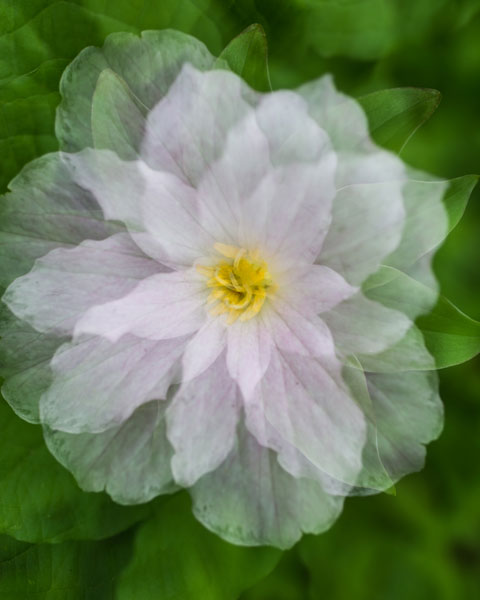
Set-up
- Select Multiple Exposure from your camera’s menu. The default option on this setting is, of course, OFF. Select the ON option. Some cameras will give you the option here for ON (series) which will keep the option on until you turn it off or ON (single photo) which will capture only one multiple exposure image.
- Scroll down to select the number of shots you desire, select either two or three. (Some cameras will allow you to select up to 10).
- The third setting is Auto Gain. When set to ON, your camera will automatically adjust exposure gain for the addition of each image. In the OFF position you must manually adjust for the exposure of each layered image. (All the sample images here were created with the Auto Gain ON.)
- Confirm that you have Multiple Exposure set to ON and hit OK.
- You’re now ready to shoot, so set up your exposure and focus like you would do with any floral image.
   |
 |
 |

Taking multiple exposure images does take some practice to perfect, and you will have a lot of throwaways. As you take each exposure, your camera will show you a preview of the image just exposed, and you have 30 seconds to shoot the next image or the camera will finish the process without any additional exposures. After the last exposure of the series, you will see the final image.
Type of Multiple Exposure Images to Try
The resulting photos you can accomplish with this technique are limited only by your own creativity. The following paragraphs describe how to shoot three types of images:
- The Twist
- The Fill
- The Shoot Through
The Twist
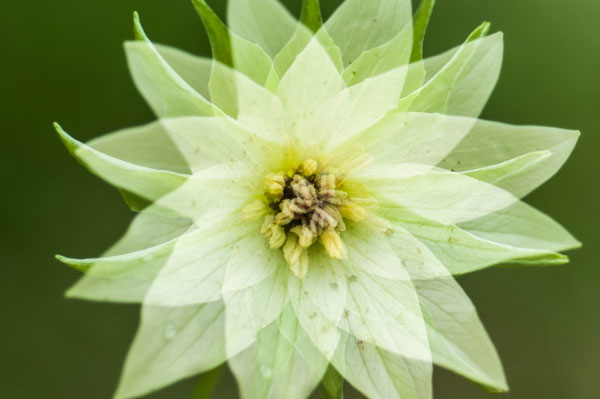
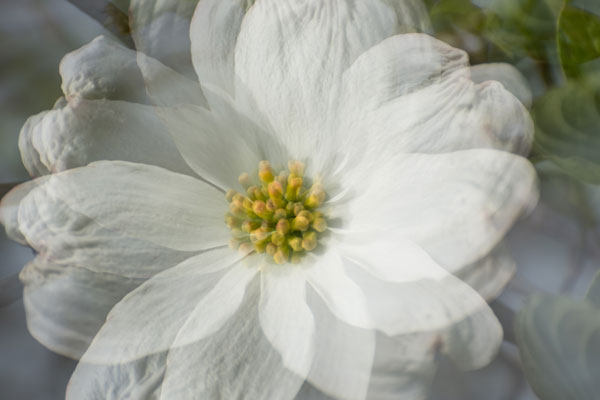
In this method, set the number of shots to three. The key to this method is to keep the center of the flower in the same location on all three images. Using your spot focus point as a reference point to help keep the images aligned, take the first image. Keep the center of the flower in the same location of the view finder and turn the camera to the left or right and take a second exposure. Then, again keeping the center of the flower in the same location, turn the camera again and take the third image. The degree of your turn can vary depending on the size of the subject flower. Remember to refocus before each of the three exposures.

Â
The Fill
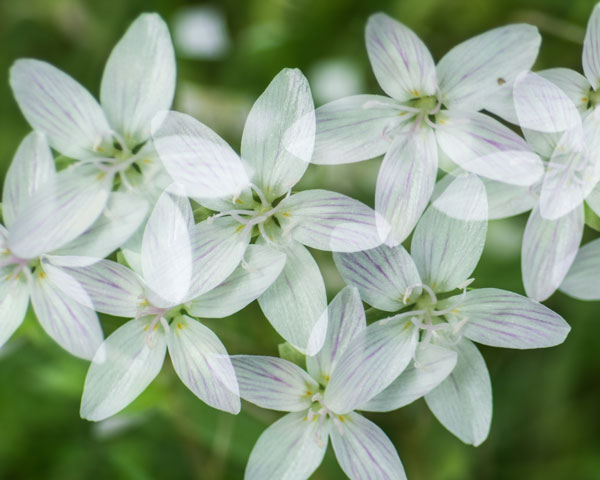
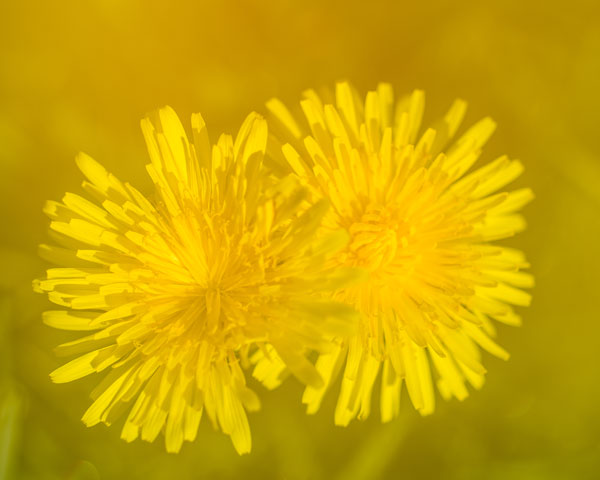
In this method you will fill the frame with flowers by shooting however many multiple exposures you choose and placing flowers in different locations within the frame with each exposure.
The Shoot Through
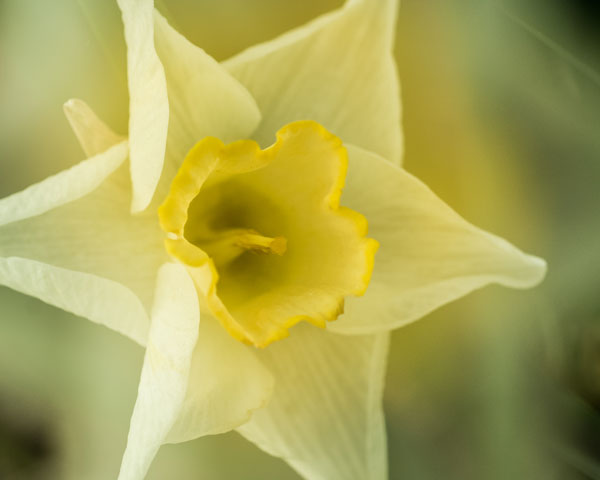
Set your number of exposures to two. Your first exposure should be a normal exposure of the floral subject. Without changing the focus setting, move your camera closer to the flower to fill the frame with an out-of-focus image, which will give you a soft shoot-through effect.
Other Tips
- Some Nikon models will automatically turn off Multiple Exposure after each image, so you will need to go back into the menu and turn it back on after each image is completed.
- Simple backgrounds work best.
- Most successful images are shot handheld. Using a tripod to create these images makes it difficult to move freely.
- LiveView will be disabled on your camera during multiple exposures.
- Remember, after your first exposure is taken, if no operations are performed within the next 30 seconds, the camera will automatically end the Multiple Exposure mode.
Creating Multiples in Photoshop
If your camera doesn’t have the Multiple Exposure options, you can still create these same effects in Photoshop.
- Take all your images as describe above as single frames. Open the first image in Photoshop.
- Open the second image and copy and paste it onto the first image as a second layer. Change the layer blending modes to multiply. You can experiment with different blending modes to get some wild effects. You can also change the opacity of each layer to get the effect to your liking.
- Repeat Step 2 for every image in the series.
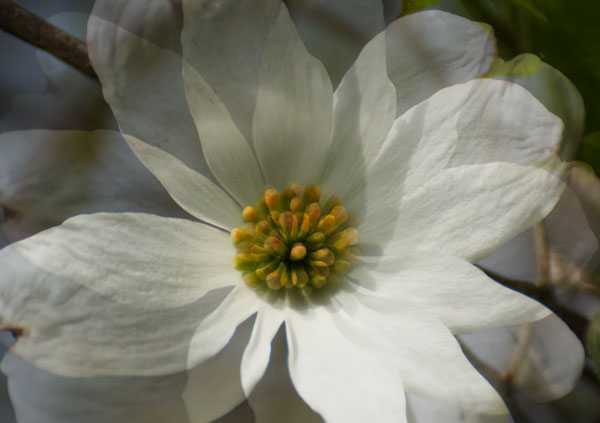
Shooting multiples is a lot of experimenting, but when you get a good image, you will know it! This method can also be used for many other kinds of images. For example, try shooting a silhouette and filling it with another image. . . the possibilities are endless!
Source Article from http://feedproxy.google.com/~r/DigitalPhotographySchool/~3/hjipRvUHFCg/
 Started out doing photography at the age of 6 using an uncle's old 1940 kodak brownie box camera. At 15 years of age, I decided to buy my very own 1975 Praktica SLR camera. I now shoot with a Nikon D850. I do unpaid TFP and commercial paid work.